Think out loud at your desk. A private AI app for Mac and Linux that syncs with your phone.
- Runs on your device
- Works offline
- No account
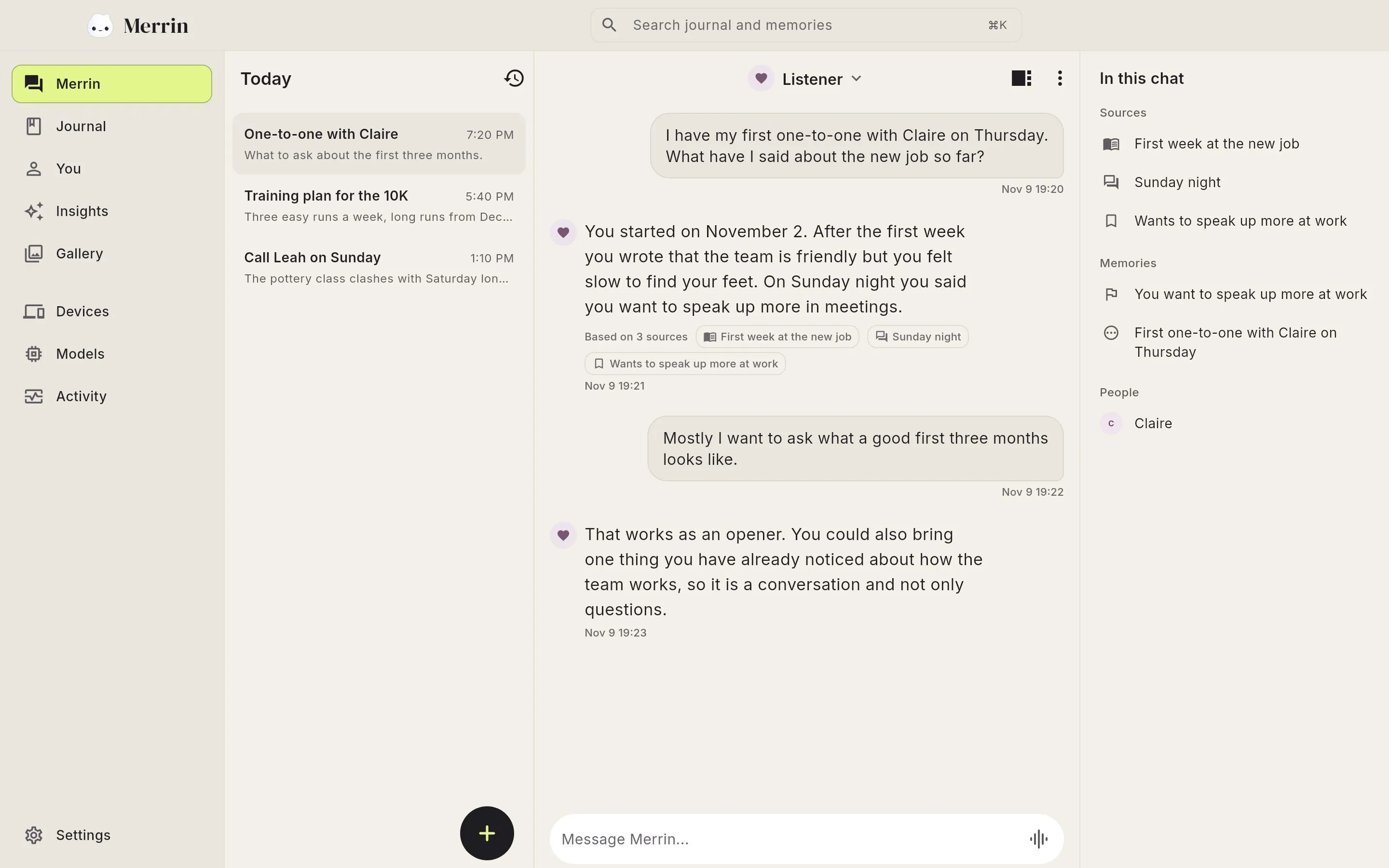
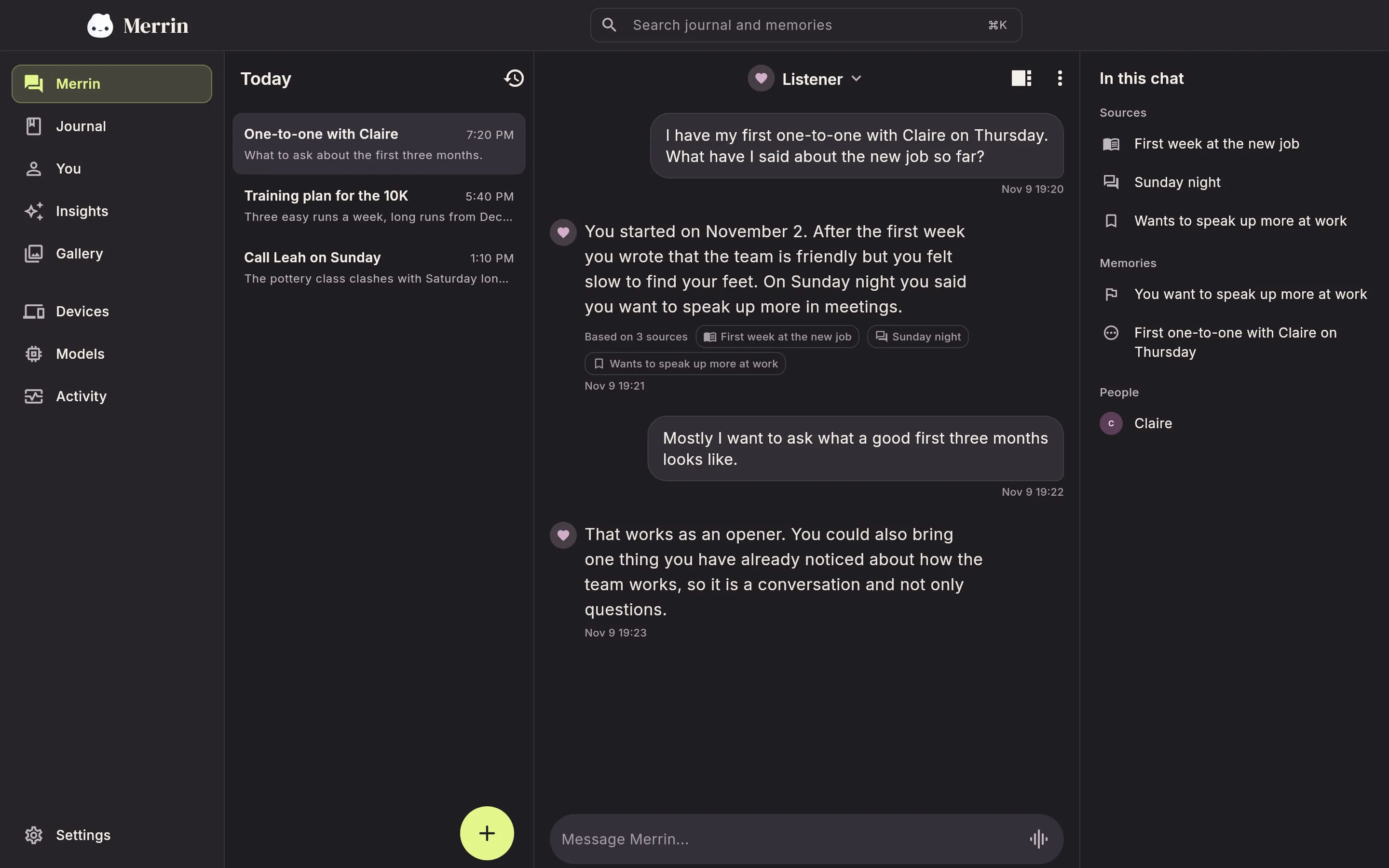
Your journal, memories, and photos in one window
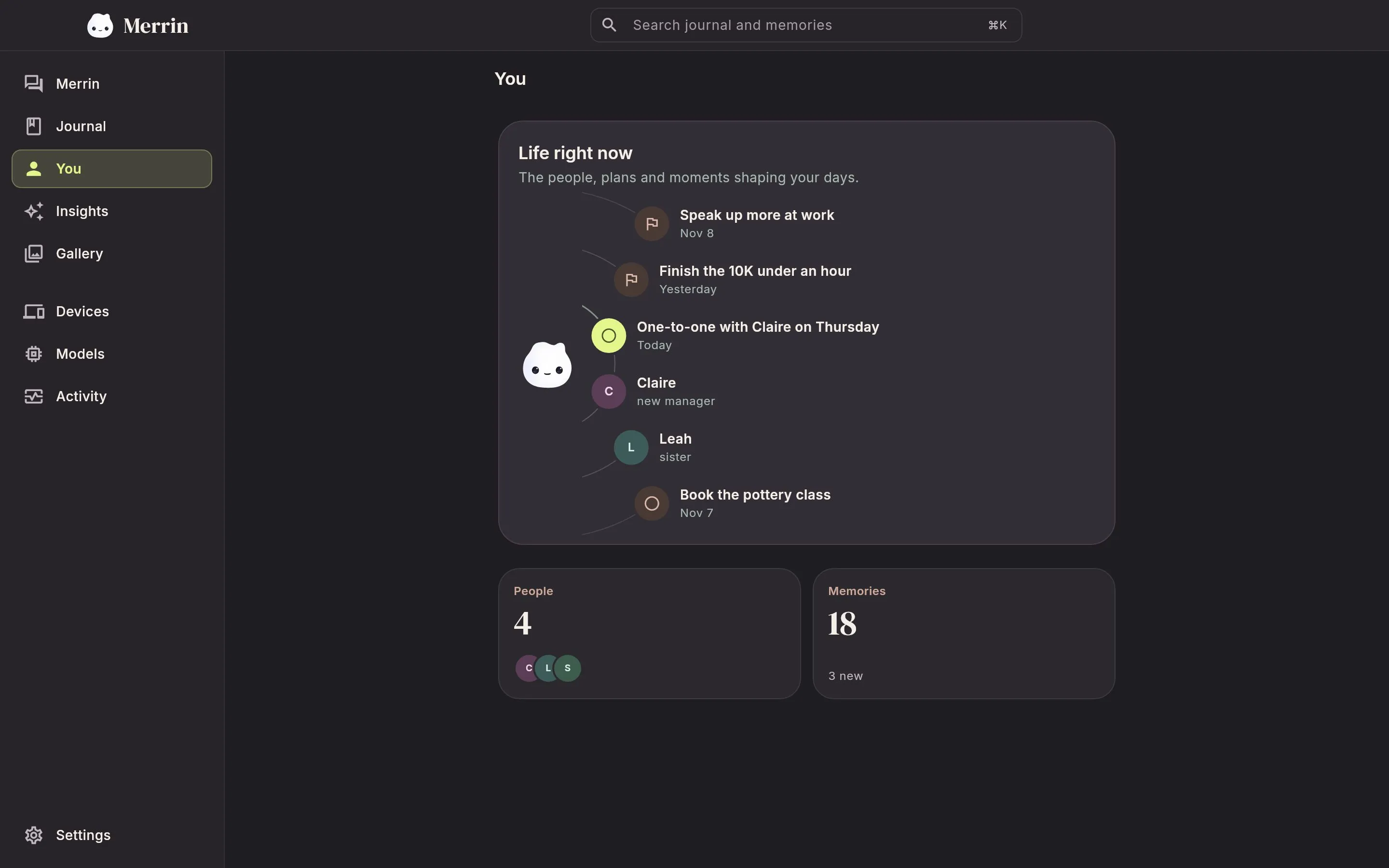
The desktop app has the same places as the phone app. A wide window shows more of each at once.
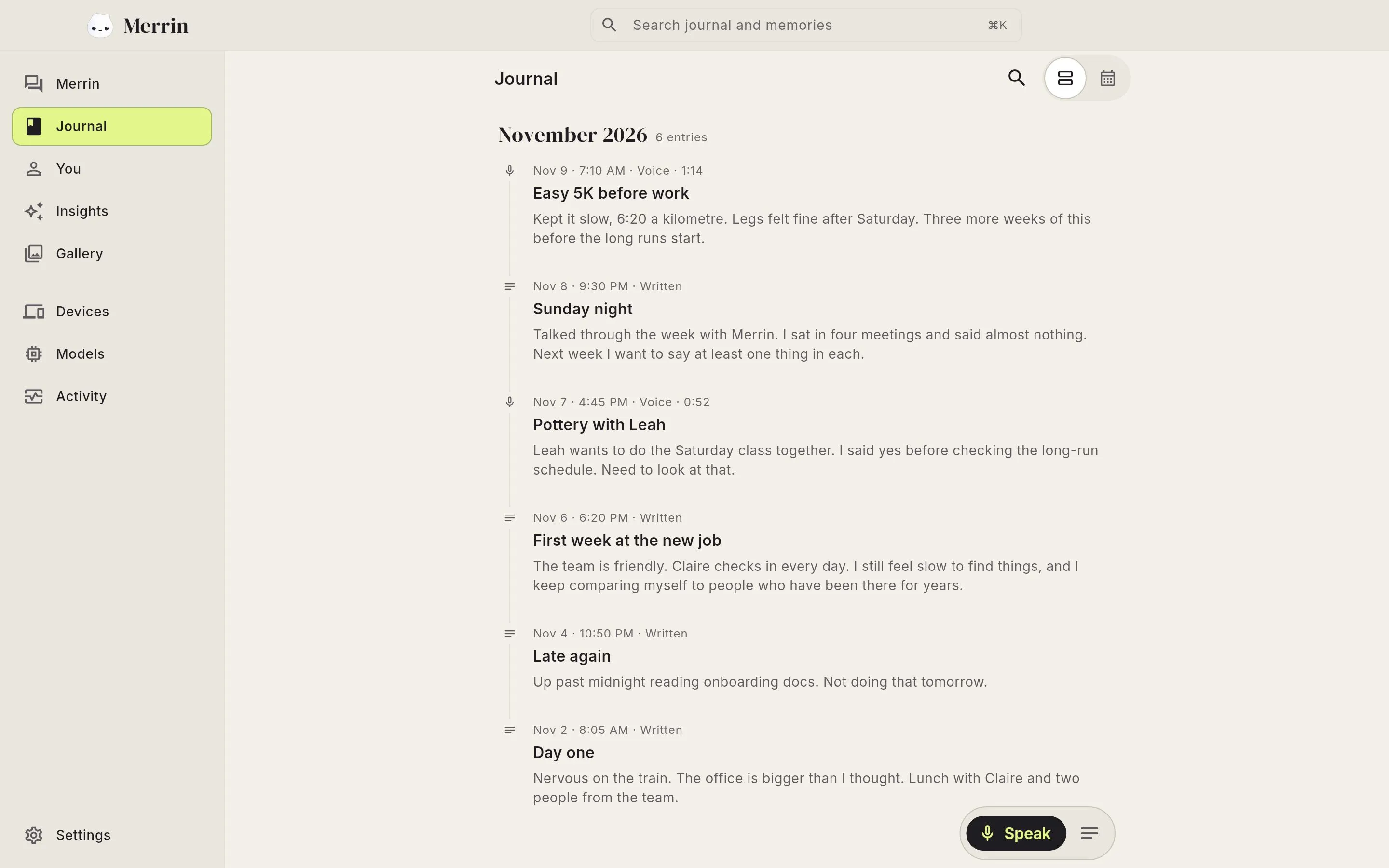
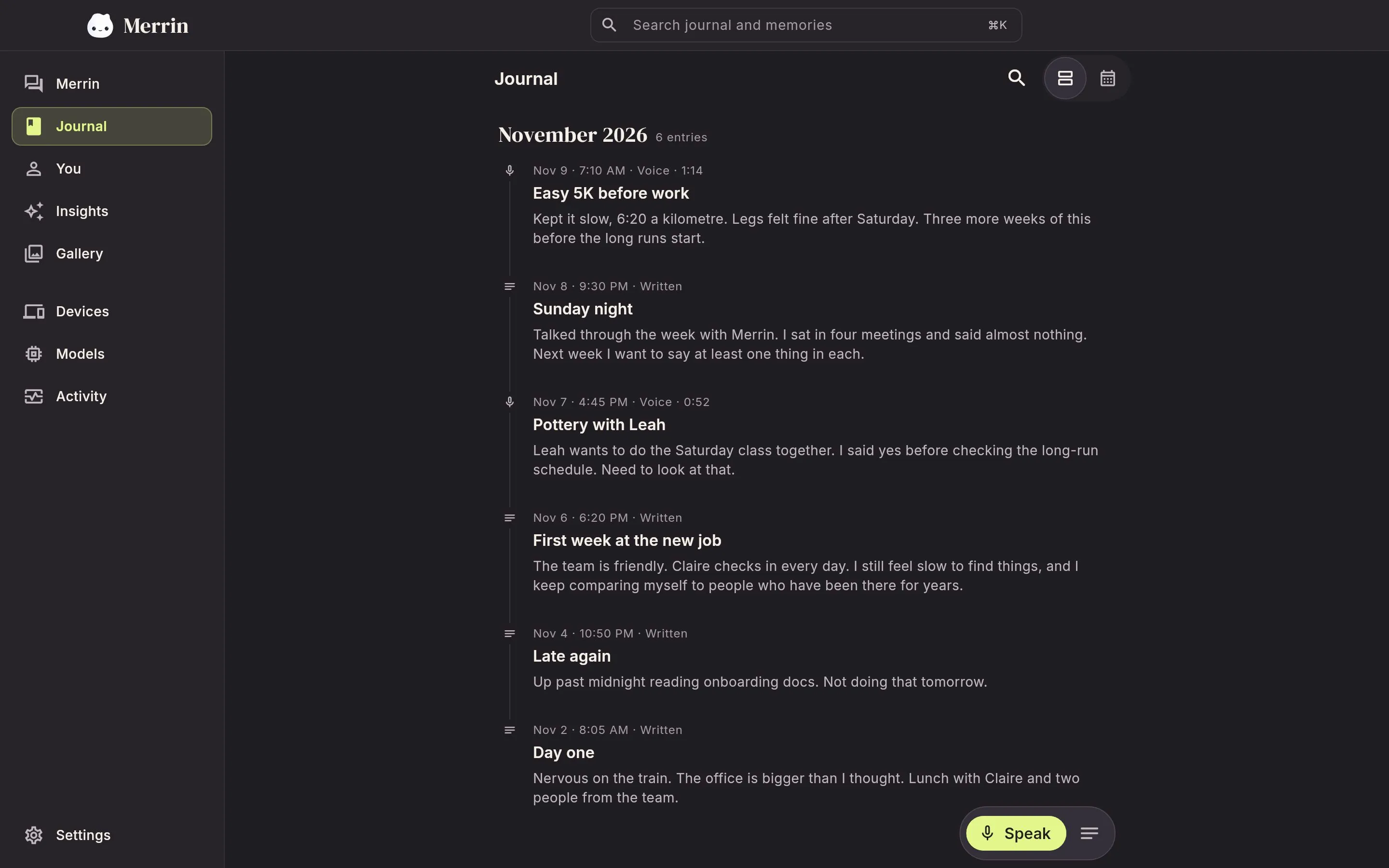
Read back through your journal
Written and spoken entries sit in one timeline, with the date and the length of each voice note. Switch to the calendar to see which days you wrote.
How conversational journaling works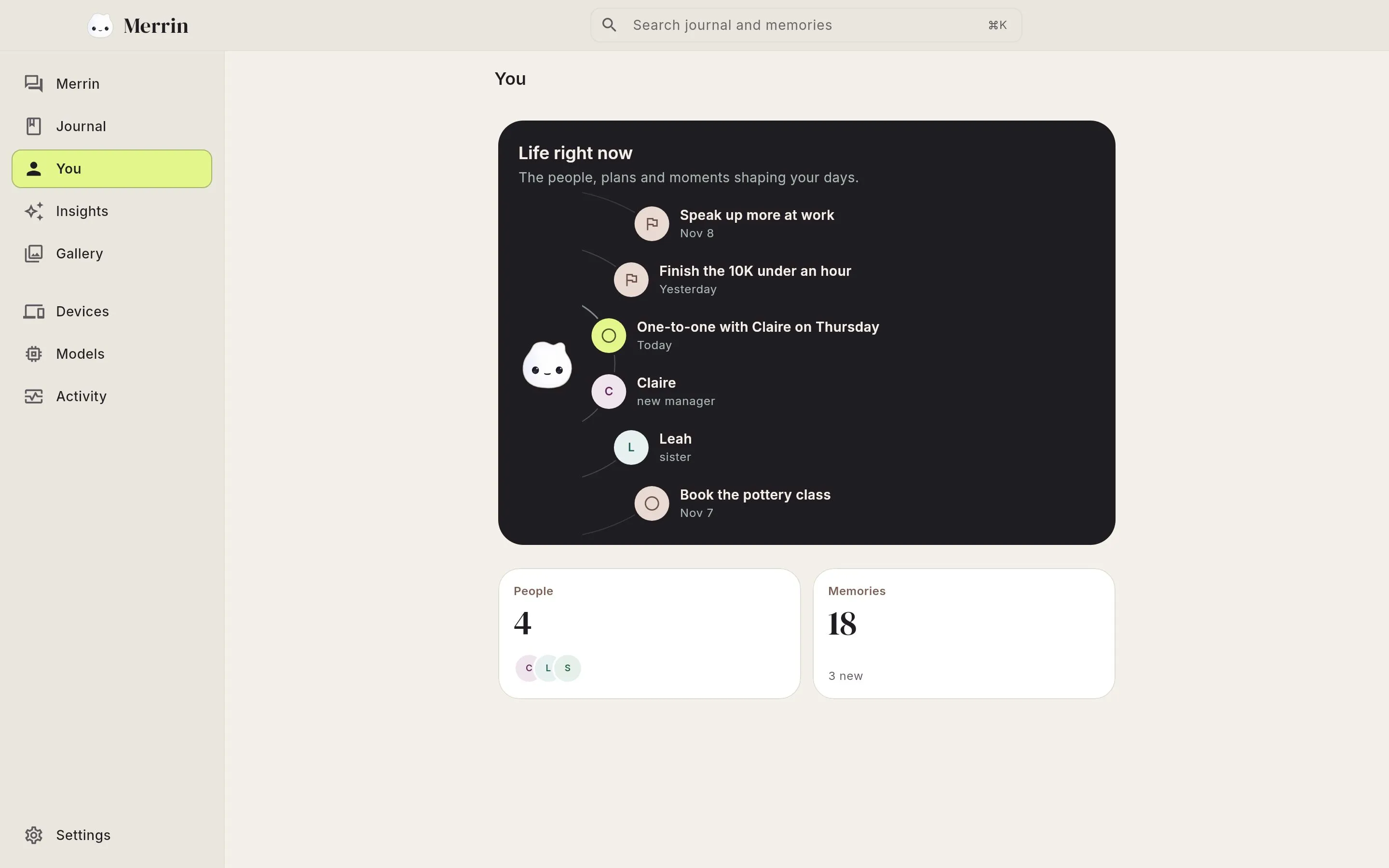
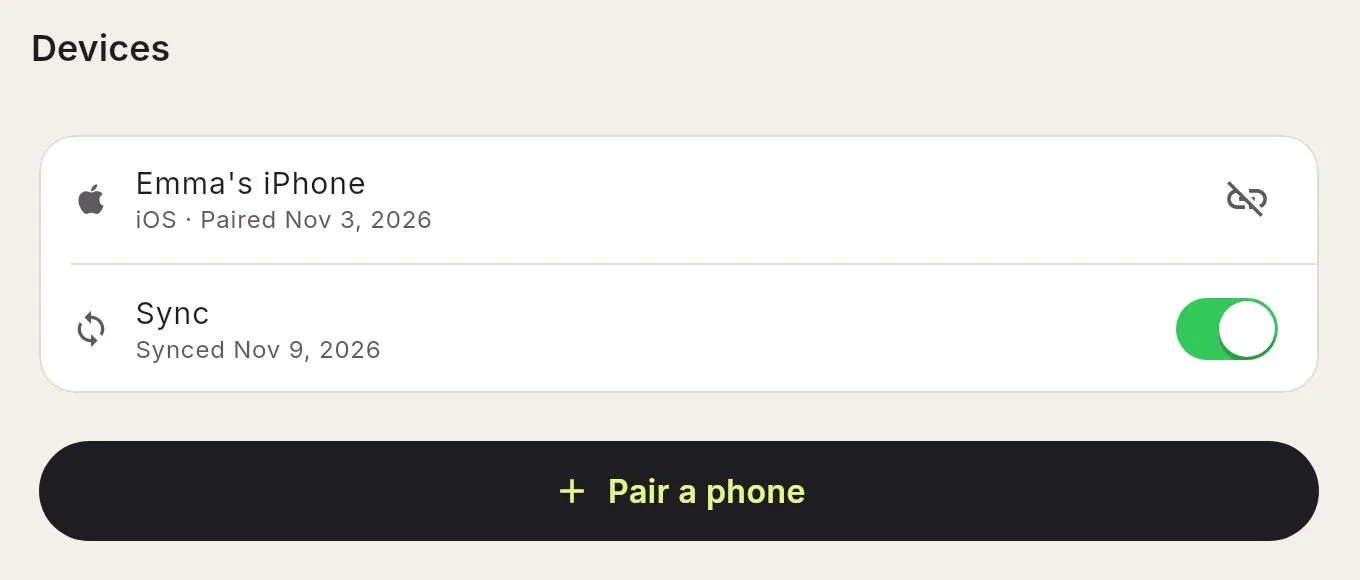
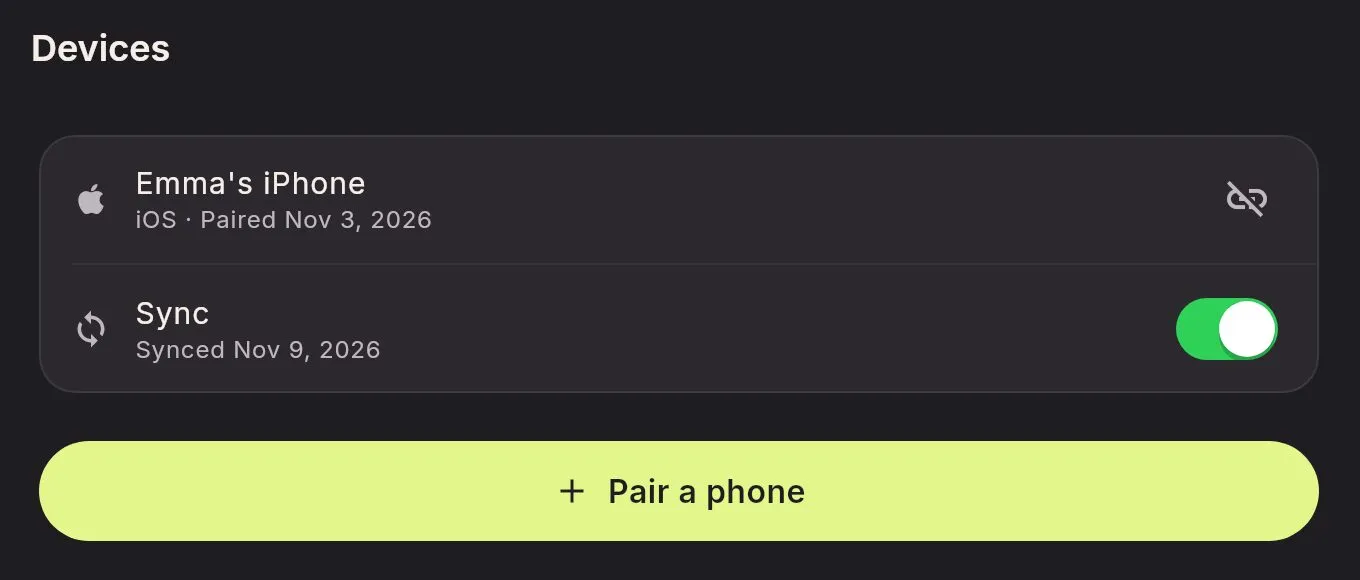
Sync your phone and computer over Wi-Fi
Once they're paired, your phone and computer keep each other up to date whenever they're on the same network. Sync is off until you turn it on, and each device works fine without the other.
Step 1
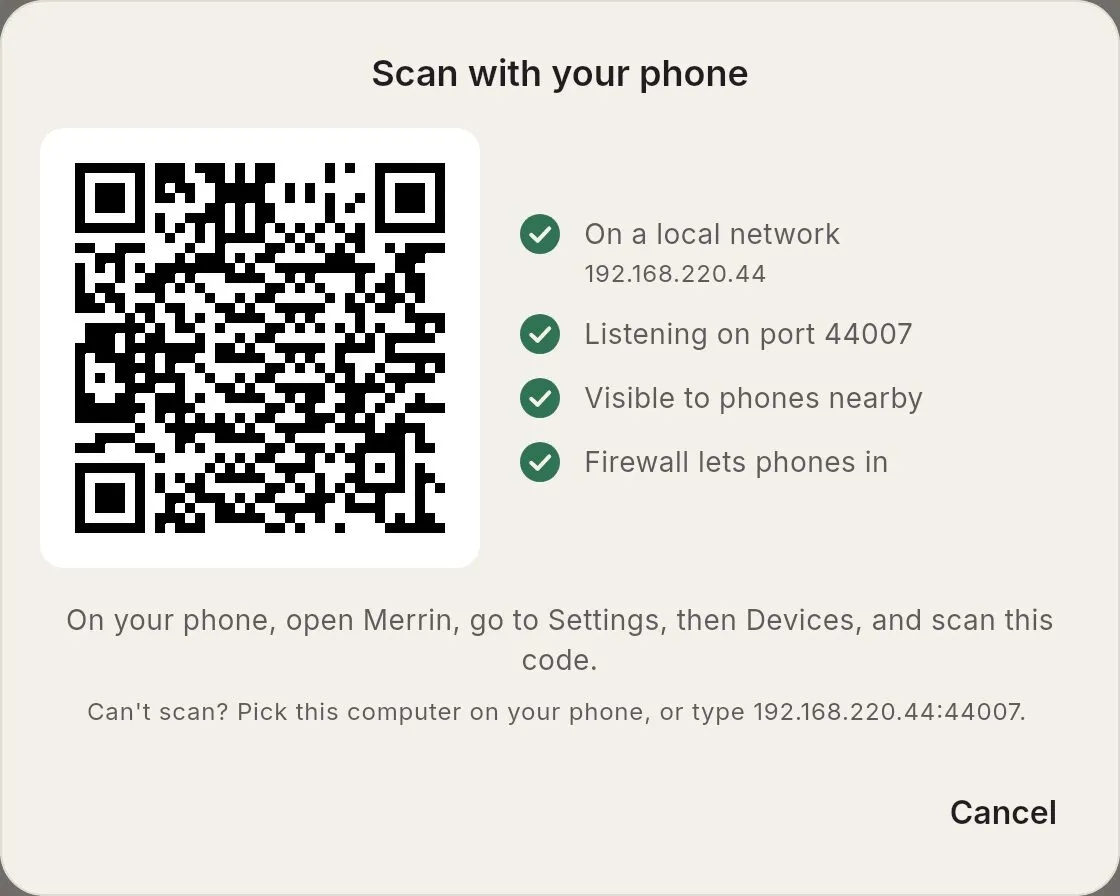
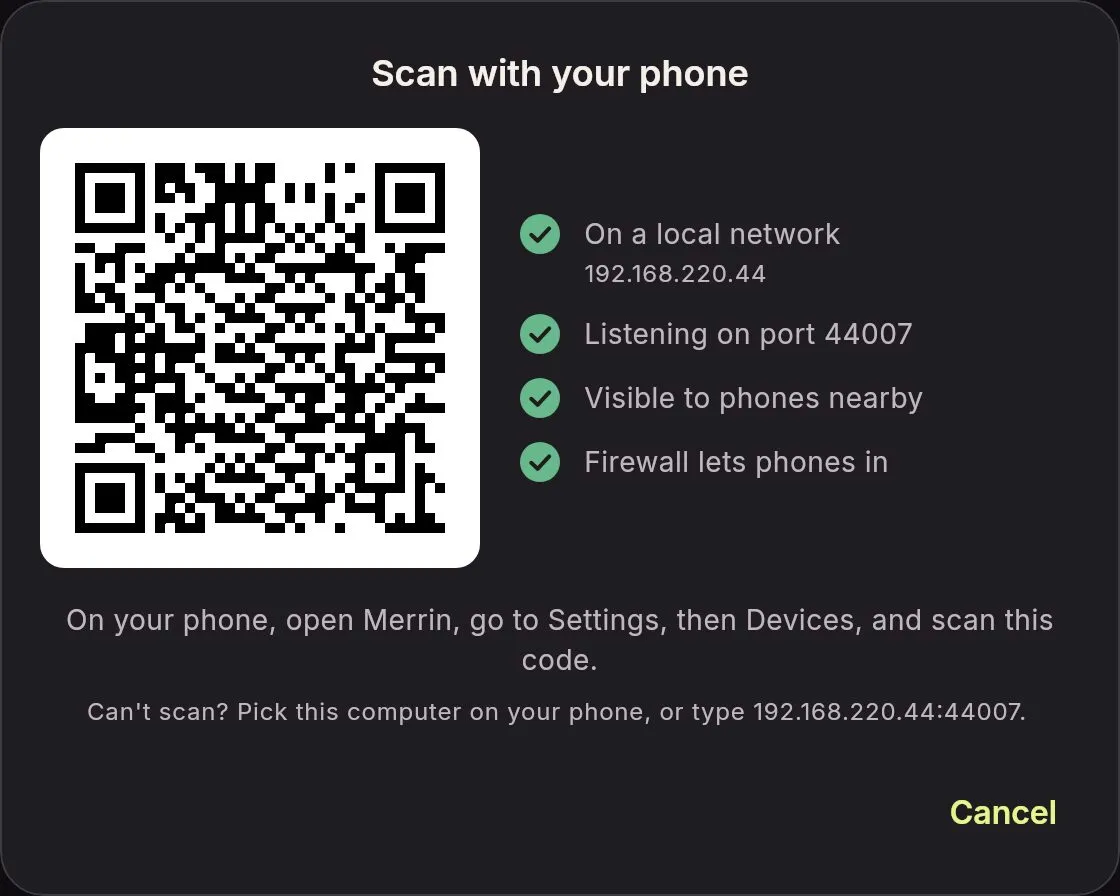
Show a code on your computer
In Merrin Origin, open Devices and choose Pair a phone.
Step 2
Scan it with your phone
In Merrin on your phone, open Settings, then Devices, and scan the code.
Step 3
Match the numbers and confirm
Check that both screens show the same 6-digit code and confirm. Then turn on Sync on both devices.
What syncs between devices
- Chats
- Journal entries
- Memories and people
- Insights
- Language, perspective, and theme
How phone-to-computer sync stays private
- Your data goes straight from one device to the other, with no server in between.
- The connection is encrypted end to end, and only the devices you paired can join it.
- Edit the same journal entry on both devices and you keep both versions.
- Unpair whenever you like. Each device keeps working, and you choose whether to keep or remove what came from the other one.
Both devices need to be on the same network to sync.
Merrin desktop app features
The sidebar has the same four places as the phone app (Merrin, Journal, You, and Insights) plus Devices, Models, and Activity. The rest is laid out for a wide window and a keyboard.
Search from anywhere
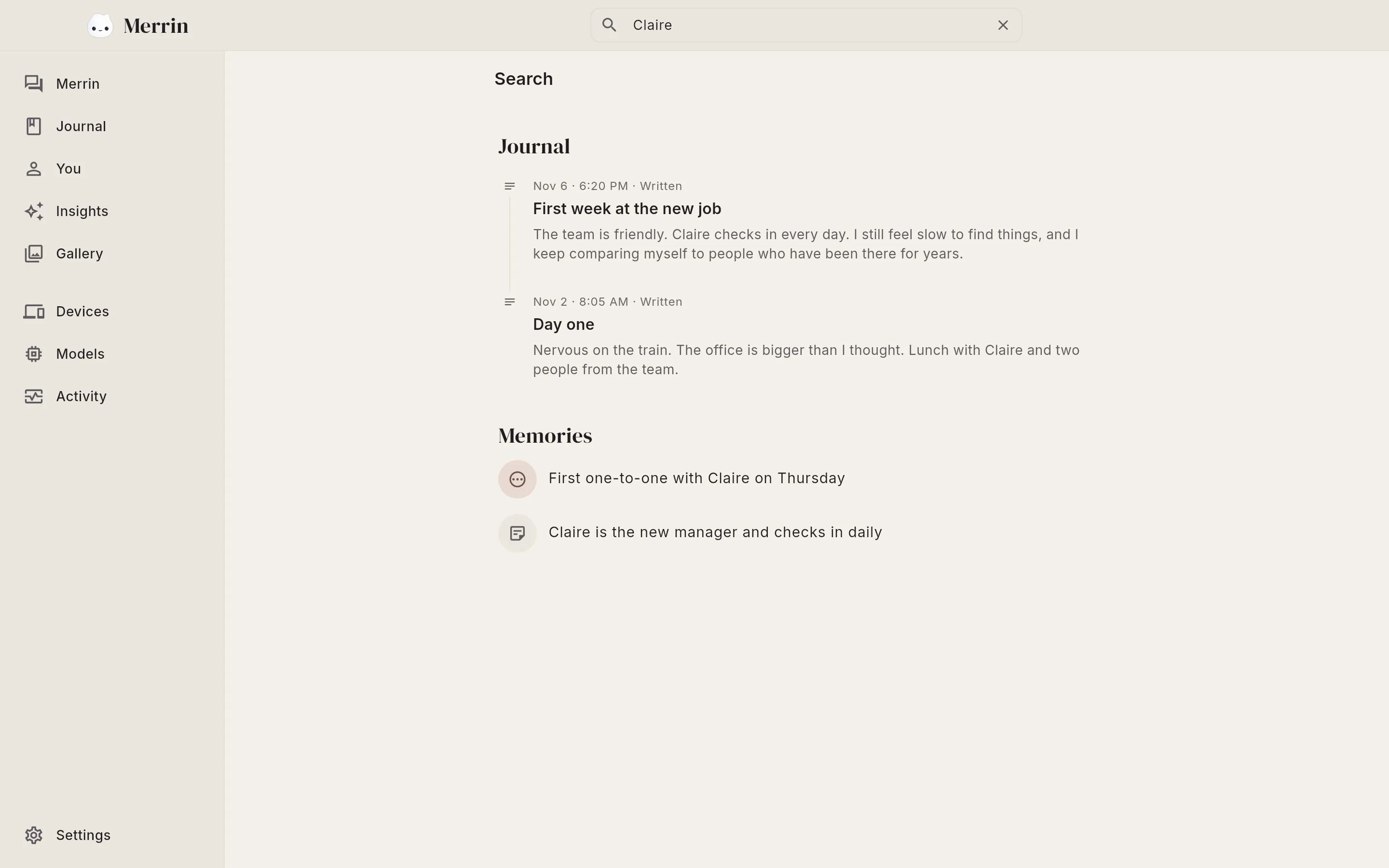
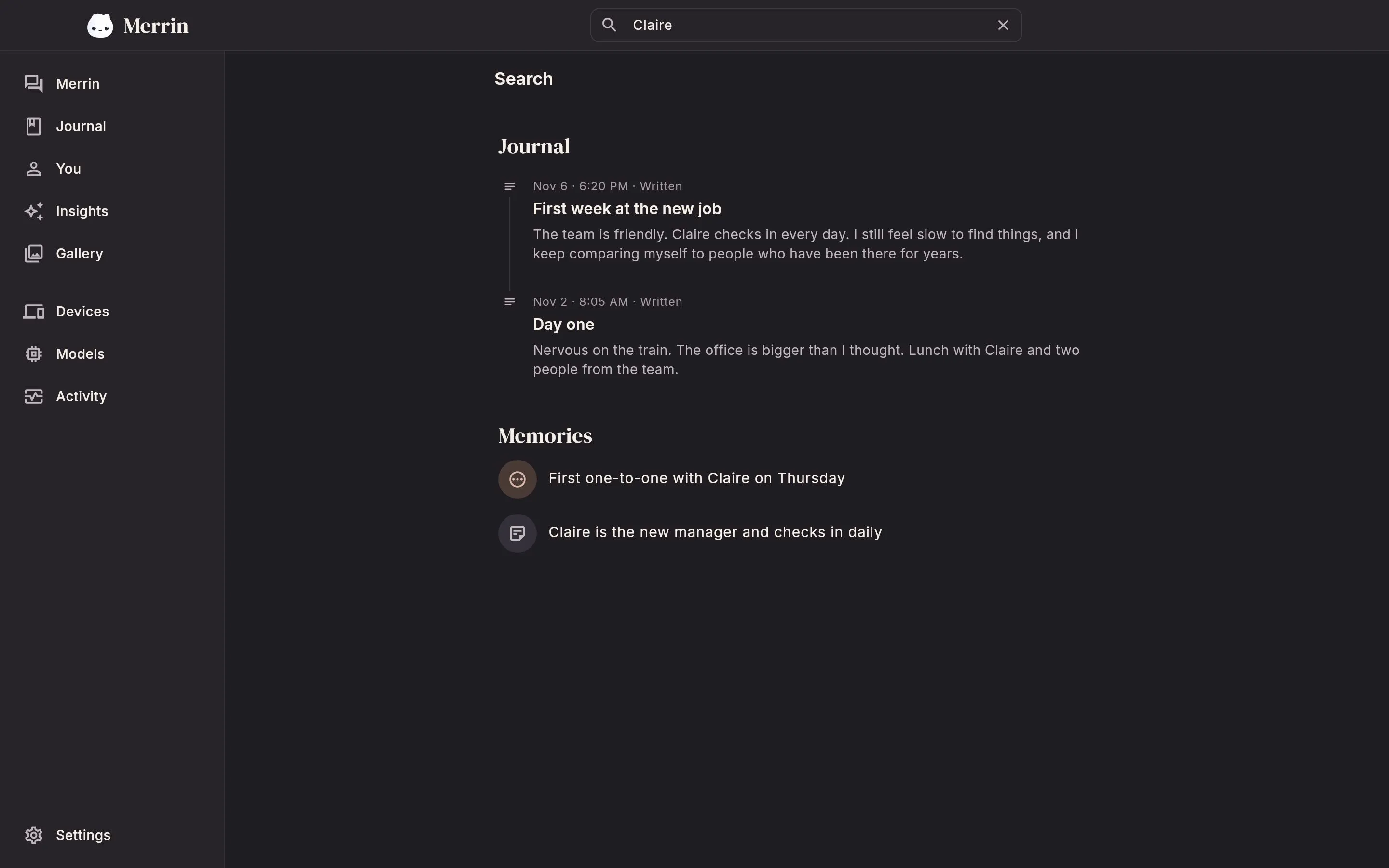
Press Cmd+K (Ctrl+K on Linux) to search your journal and memories, by the words you used or by what you meant.
See what a reply was based on
When a reply draws on your past conversations or entries, it says so, as in "Based on 3 sources". Each source is a click away.
Everything a chat touched, in one pane
The In this chat pane lists the sources, memories, and people the open conversation brought in.
Today's chats beside the open one
Move between the day's conversations without losing your place in the one you're reading.
Keyboard shortcuts
Cmd+N starts a chat, Cmd+K searches, and Cmd+, opens settings (Ctrl on Linux). You can select and copy text in any chat, and the window reopens where you left it.
Type, or dictate
Merrin Origin is built for typing. You can also dictate: on Linux with Merrin's own on-device speech models, and on a Mac with its built-in dictation.
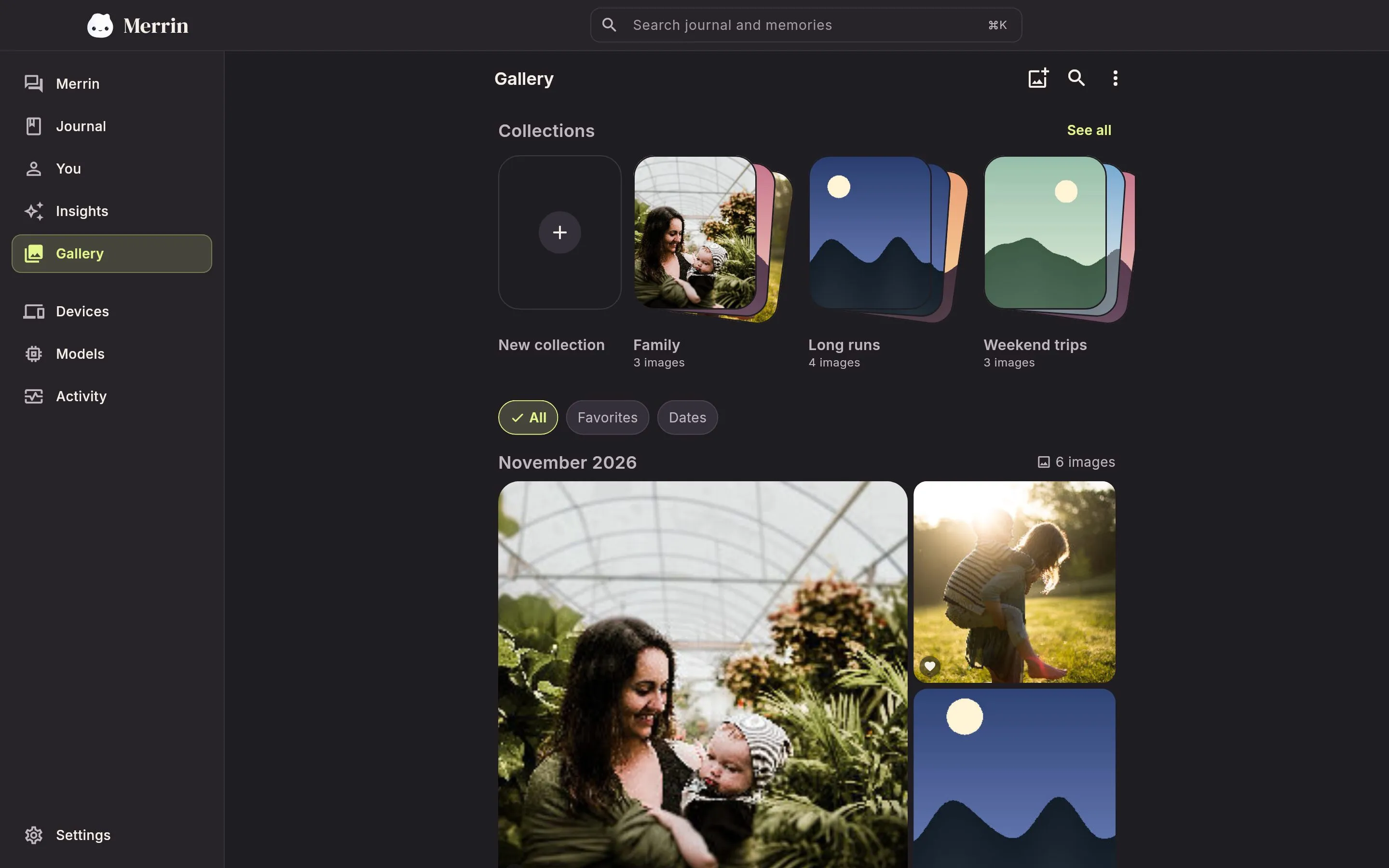
Light and dark themes. English, Spanish, French, German, and Portuguese.
An encrypted photo vault on your computer
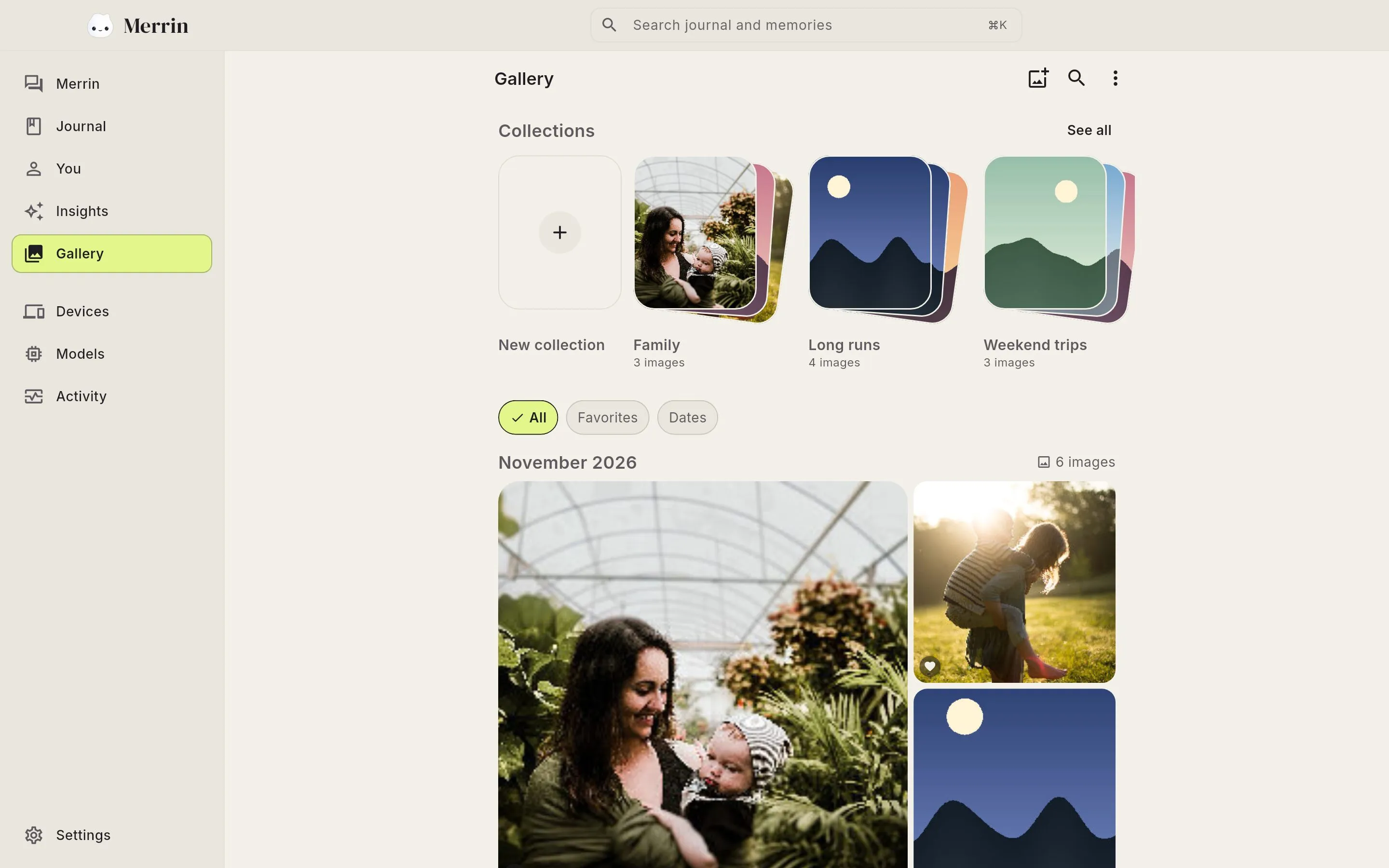
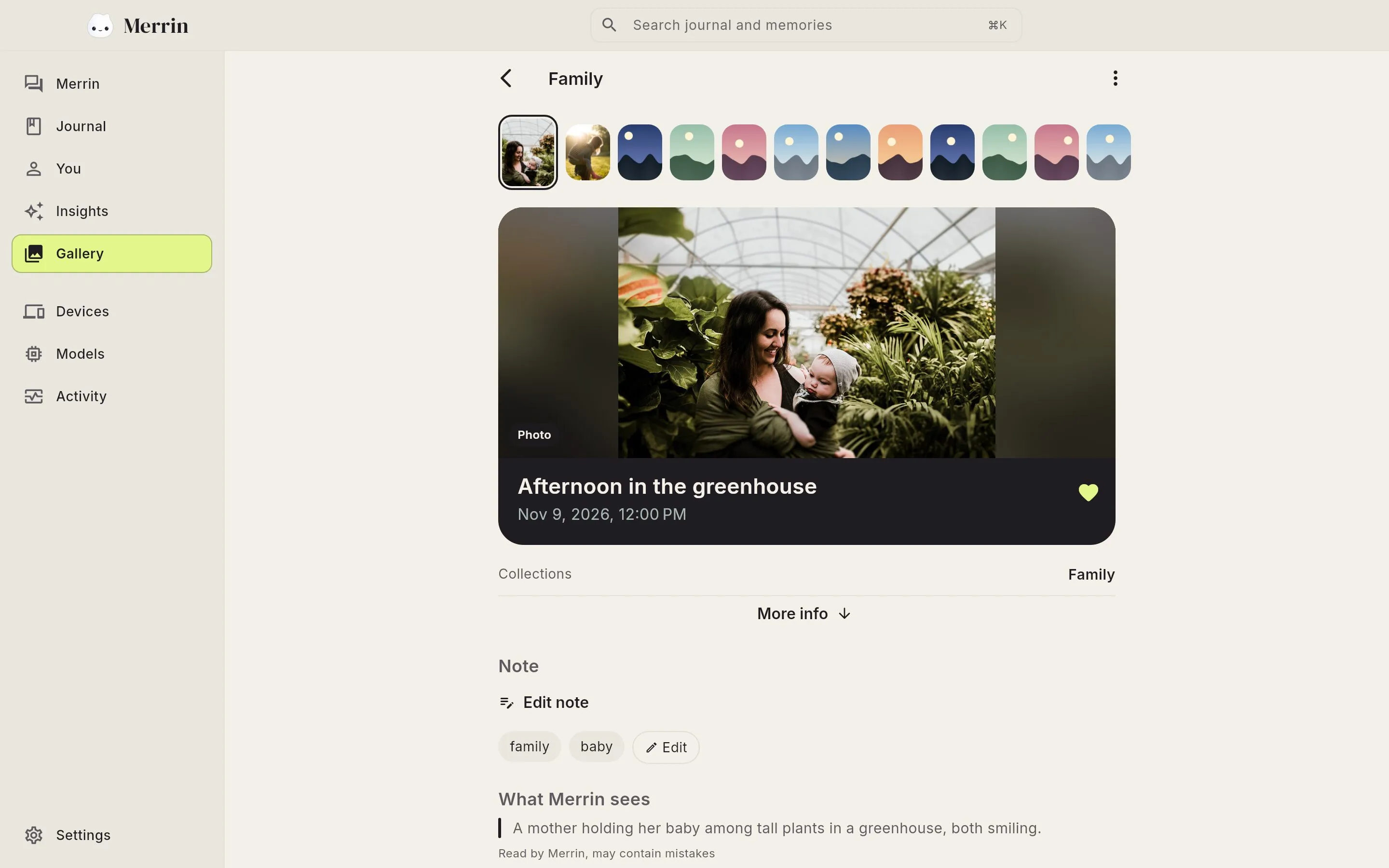
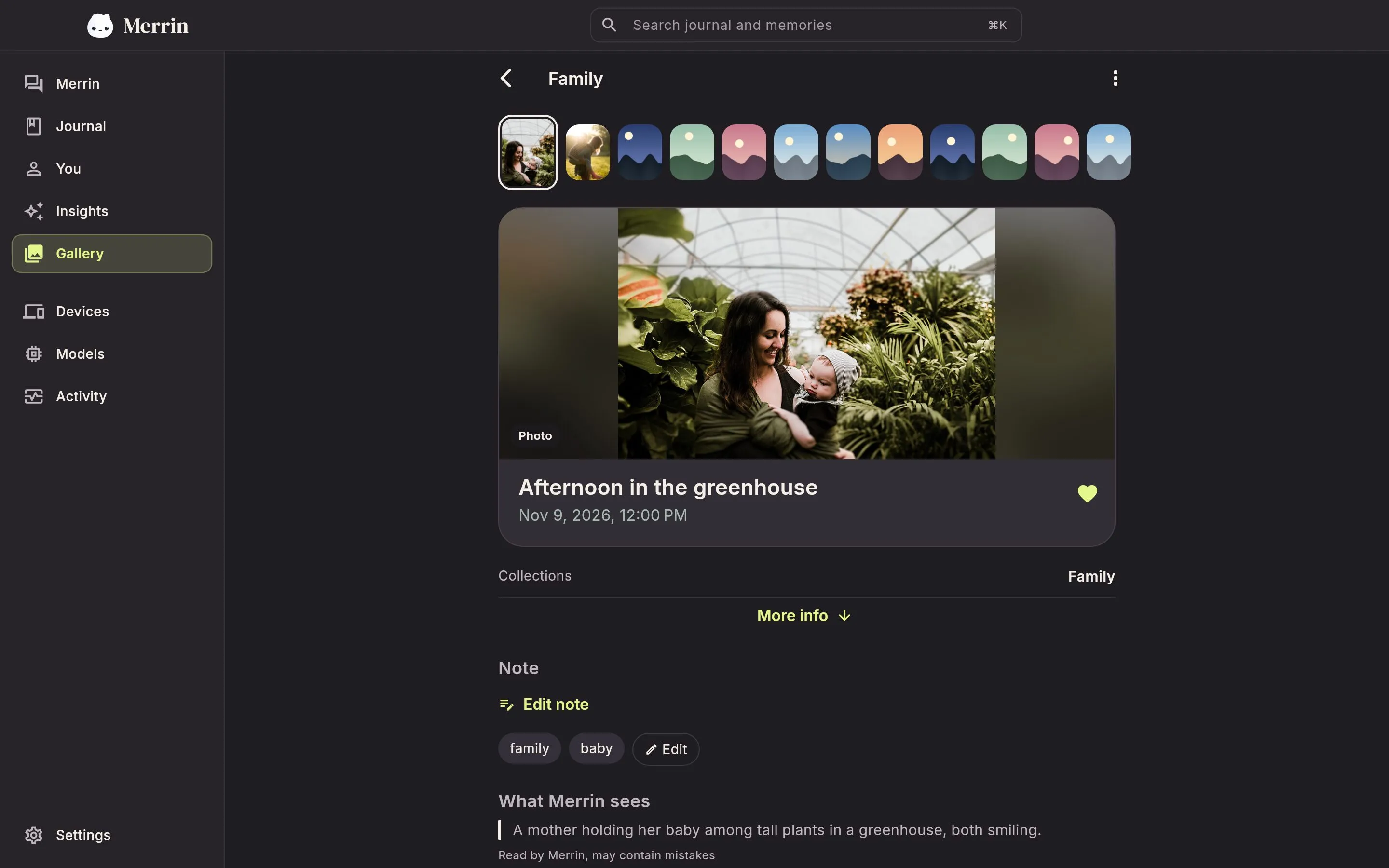
Photos you add to Merrin's Gallery are encrypted before they're saved. Merrin still reads each one on your computer, so you can find a photo by what's in it and bring it into a chat.
Locked in an encrypted vault
Each photo is encrypted on your drive with its notes and tags, and the key stays in your system's keychain. Photos don't sync to your phone, so each device keeps its own vault.
Read on the device
Merrin describes each photo and reads any text in it on your computer. Turn reading off for a photo and Merrin drops what it read.
Find a photo by what's in it
Search for a word from a sign or a menu you photographed, and sort photos into collections and favorites.
A larger AI model, on your own computer
A computer has more memory than a phone, and Merrin Origin uses it for a larger assistant and longer conversations.
Longer conversations
Merrin can keep twice as much of a conversation in view as it can on the phone, so a long chat and more of your history can shape a single reply.
A larger assistant
Solace 12 is the largest Merrin assistant and runs only on computers. Before you download it, Merrin checks that your computer can run it.
Bring a model from Hugging Face
With Pro, choose Add from Hugging Face, enter a model's name or link, and pick a GGUF or LiteRT-LM file your computer can run. Merrin is tuned for its Solace models, so others may answer differently.
Easy on a laptop
Background work, like saving memories and noting the people you mention, waits while you chat. On a laptop it pauses when the battery drops below 20%.
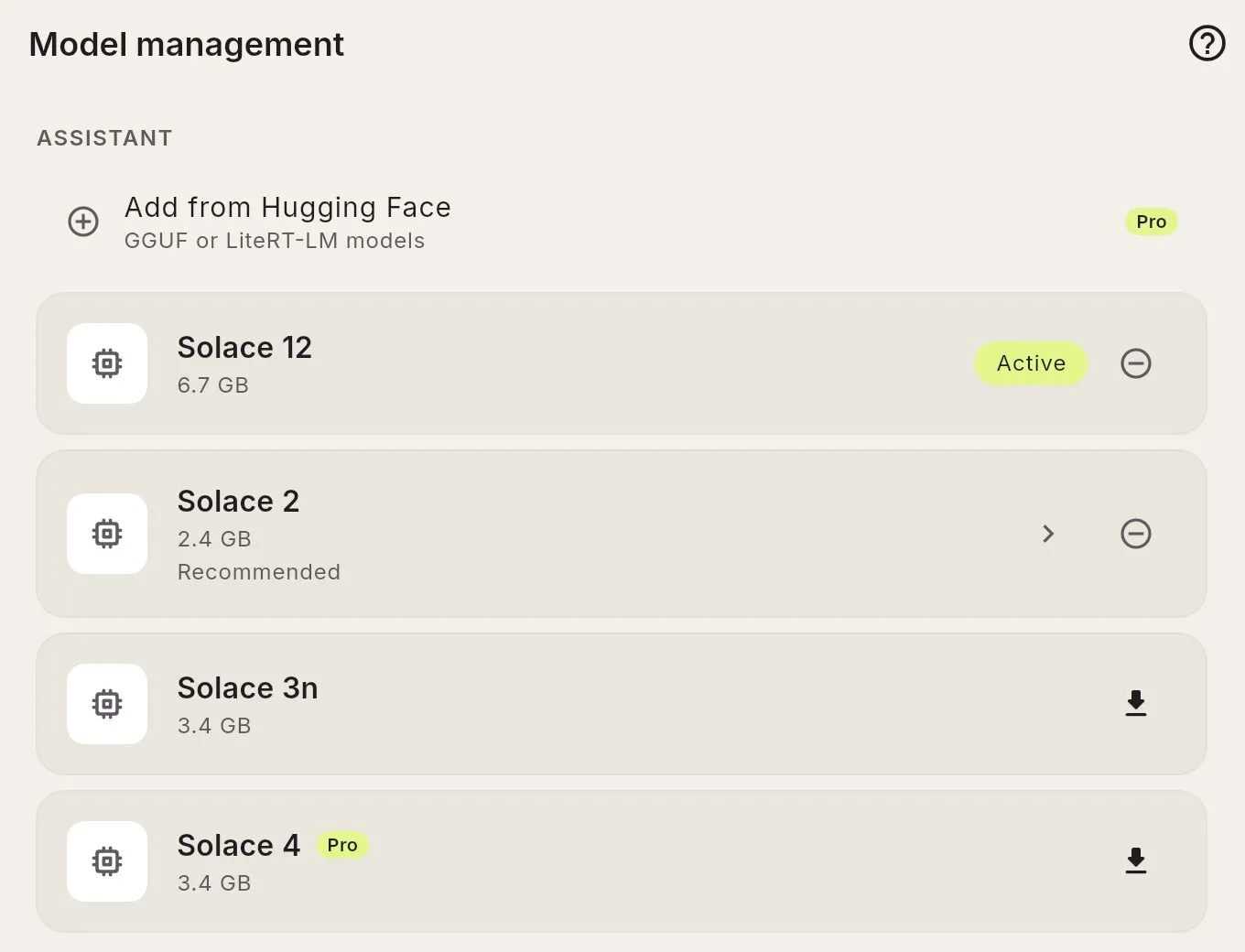
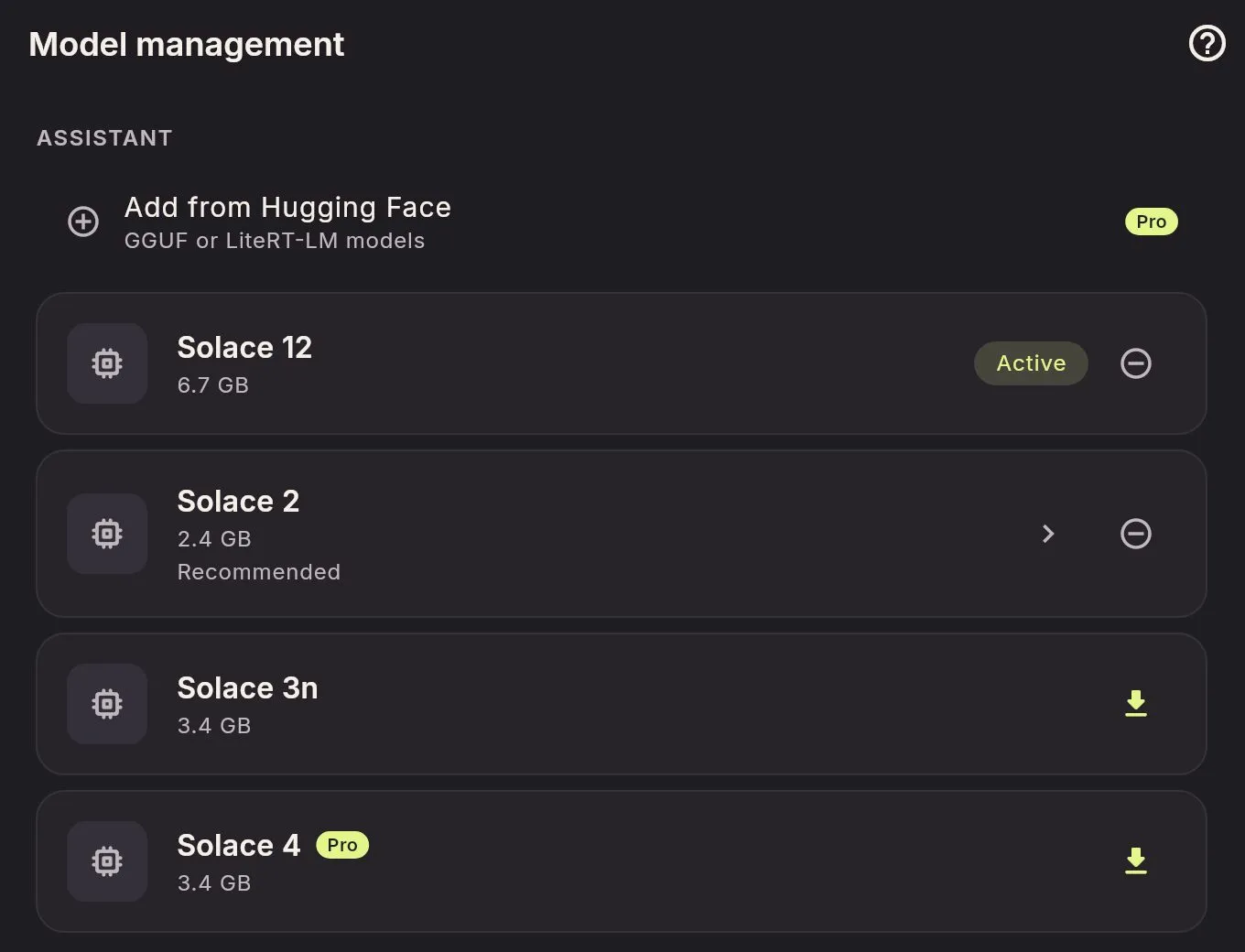
The phone's assistants are here too: Solace 2, the default, and Solace 4 with Pro.
A private, offline AI app with no account
Cloud assistants send what you type to a company's servers. Merrin's AI runs on the computer in front of you, so your conversations are processed there. For more on the difference, see on-device vs cloud AI.
Stays on your computer
The AI runs on your computer, and your chats, journal, and memories are designed to stay there during normal use.
No account
There's nothing to sign up for, and you don't need a subscription to use it.
Encrypted on disk
Merrin's data is encrypted on your drive, and the key is kept in your system's keychain.
Works offline
Once a model is downloaded, you can unplug the router and Merrin still answers.
Some things still use the internet, such as downloading AI models and buying Pro. The Privacy Policy lists them.
What you need to run Merrin Origin
Merrin Origin is coming to Mac and Linux first. Windows will follow.
Mac
A Mac with Apple silicon (M1 or later) on macOS 14 Sonoma or later.
Linux
A recent 64-bit distribution with a keyring, such as GNOME Keyring or KWallet.
Before it downloads an AI model, Merrin checks your computer and tells you if the model won't fit. Intel Macs aren't supported.
Free and Pro on desktop
Conversations, the journal, memories, search, and syncing with your phone are free, with no message limits.
Pro adds the Solace 4 assistant and the rest of Merrin Pro. On a Mac you buy it in the app. On Linux it will come as a license key that's checked on your computer, with no account.
What's coming to Merrin Origin
- Sync away from home. Your phone on mobile data, your computer at home, through an encrypted relay that only ever sees data it can't read. Part of Pro.
- Ask your computer from your phone. When the two are paired, your phone can use the computer's larger model.
- Your own documents. A library of your files, indexed and searched on your computer.
- Pro on both devices. Pro on one paired device unlocks it on the other while they stay paired.
- On-device voice on Mac. Merrin's own speech models on a Mac, as on Linux, in place of the system's dictation.
Questions about the Merrin desktop app
Can't find your answer? Send us a message.
Do I need the phone app?
No. Merrin Origin works on its own. Pairing with a phone is optional, and sync stays off until you turn it on.
Does it need the internet?
Only for a few things, such as downloading AI models and buying Pro. Once a model is downloaded, conversations, the journal, and search work offline.
Where is my data stored?
On your computer, in an encrypted database whose key is kept in your system's keychain. If you turn on sync, your data travels only between your paired devices, over your own network, with no server in between.
Will it run on my computer?
You need a Mac with Apple silicon (M1 or later) on macOS 14 or later, or a recent 64-bit Linux system with a keyring. Before it downloads a model, Merrin checks your memory and free disk space and tells you if the model won't fit. Solace 12 needs 16 GB of memory. Intel Macs aren't supported, and Windows is coming later.
Does Pro from my phone carry over?
Not yet. For now, Pro on a Mac is a separate purchase in the app, and on Linux it will be a license key. Letting Pro on one paired device unlock it on the other, while they stay paired, is coming.
Can I back up my data?
Yes. Encrypted backups work the same way as in the phone app, protected by a recovery key.

Merrin, with more room to think
Merrin Origin isn't out yet. Leave your email and we'll send one message when it is. The phone app is on the App Store and Google Play now.