
A photo in your camera roll sits between screenshots and memes. Nothing in it tells you why you kept it. When you add the same photo to Merrin, in a chat or a journal entry, it lands with that context and stays connected to it.
This post covers what Merrin does with images now, and the two privacy features we added this week: a lock prompt on your first image, and Remove from Photos.
Merrin reads what you add
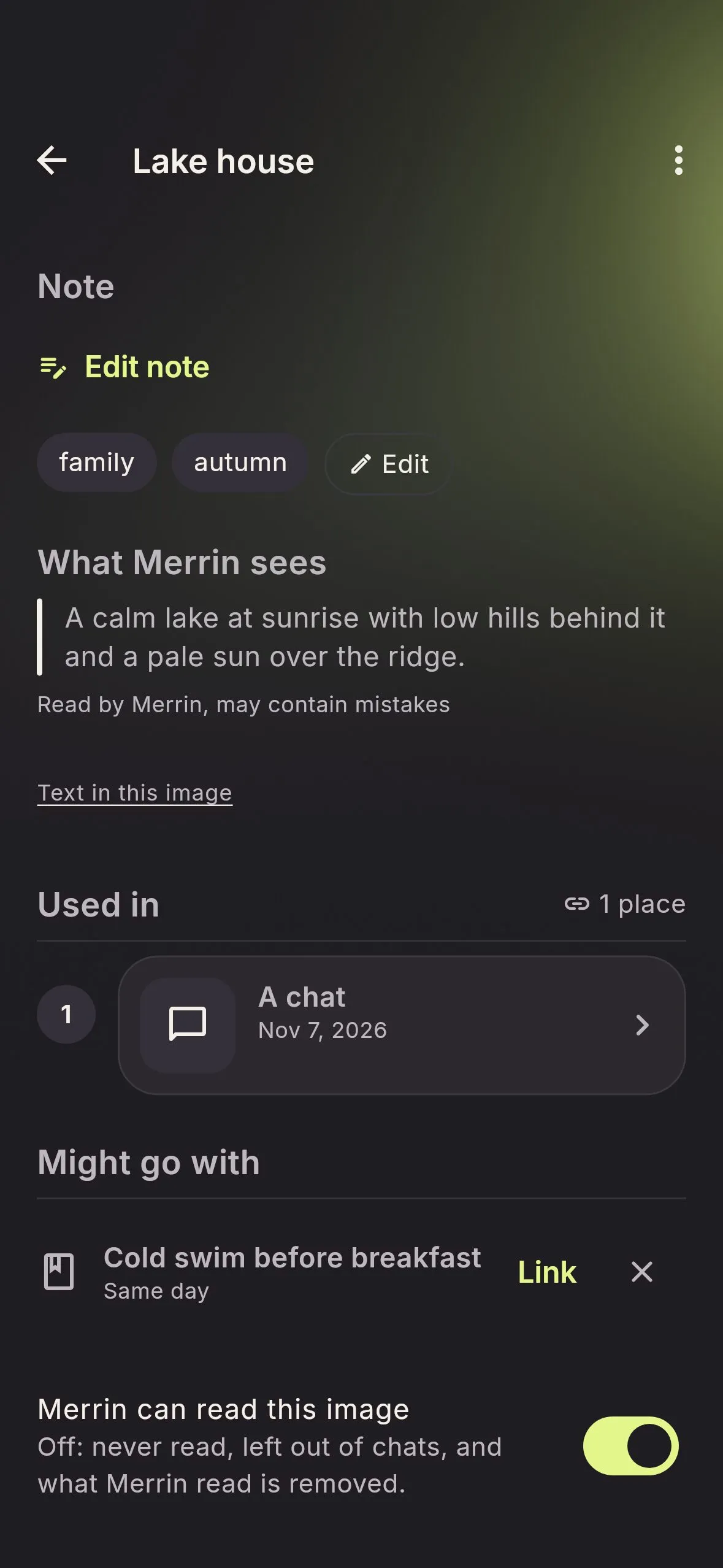
When you attach a photo, Merrin looks at it on your phone. It notes what kind of image it is, writes a short description, and copies out any text it can see: a sign, a whiteboard, a receipt total. That reading is model output, so it can be wrong. You can correct it or ask Merrin to read it again.
The reading is what makes the Gallery searchable. Type a word from a menu you photographed, or from the note you added, and the photo comes up. Later, in a chat, you can ask something like “what did the sign in that photo say?” and Merrin can find the photo by what it read.
Receipts and tickets get a little more. Merrin pulls out fields such as the store and the total, and it can suggest a memory or a to-do from them. Nothing is added until you tap the suggestion.
The Gallery keeps the context
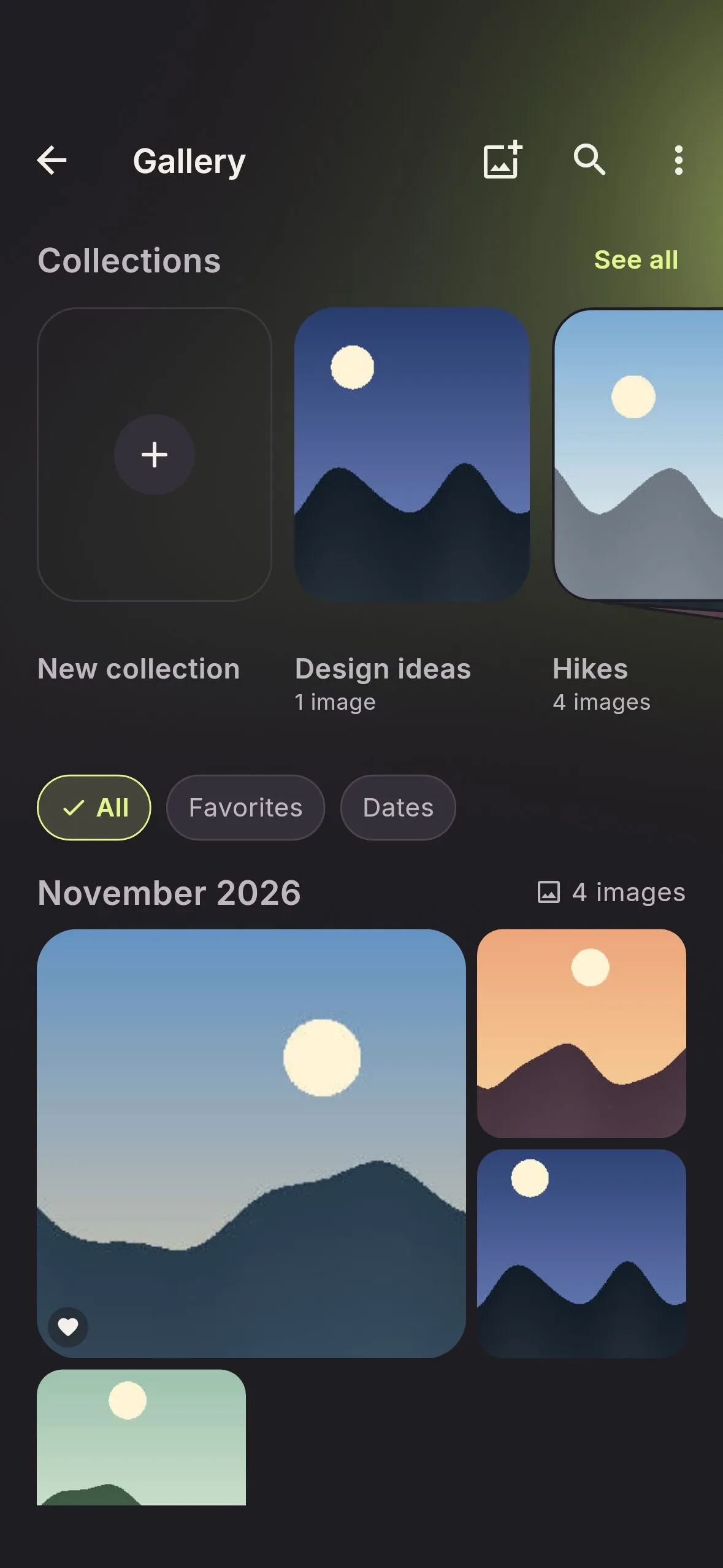
Every photo shows where you used it: the chats and journal entries it belongs to, one tap away. You can favorite photos, sort them into collections, add a note and tags, and start a journal entry from a few of them with Remember this moment.
Some photos you want to keep without handing them to Merrin, like a scan of your passport. Turn off “Merrin can read this image” and it stays in the Gallery, unread and left out of your chats.
Encrypted on your phone, behind your PIN
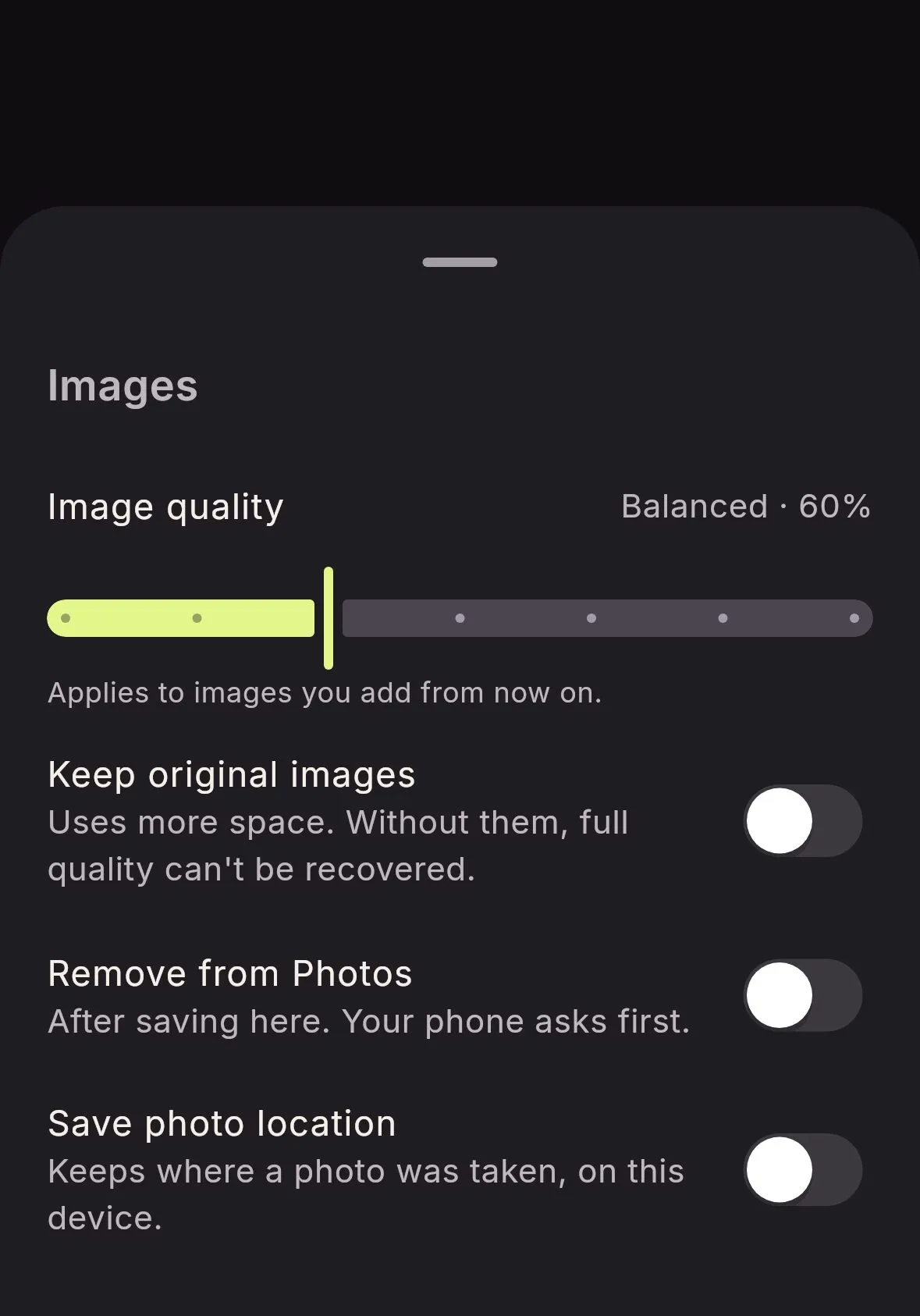
Merrin stores each image encrypted on your phone. Thumbnails, readings and notes sit in the same encrypted database as your journal. Images don’t sync to a paired computer, and an encrypted Merrin backup carries them with everything else. Location is left off unless you turn on Save photo location.
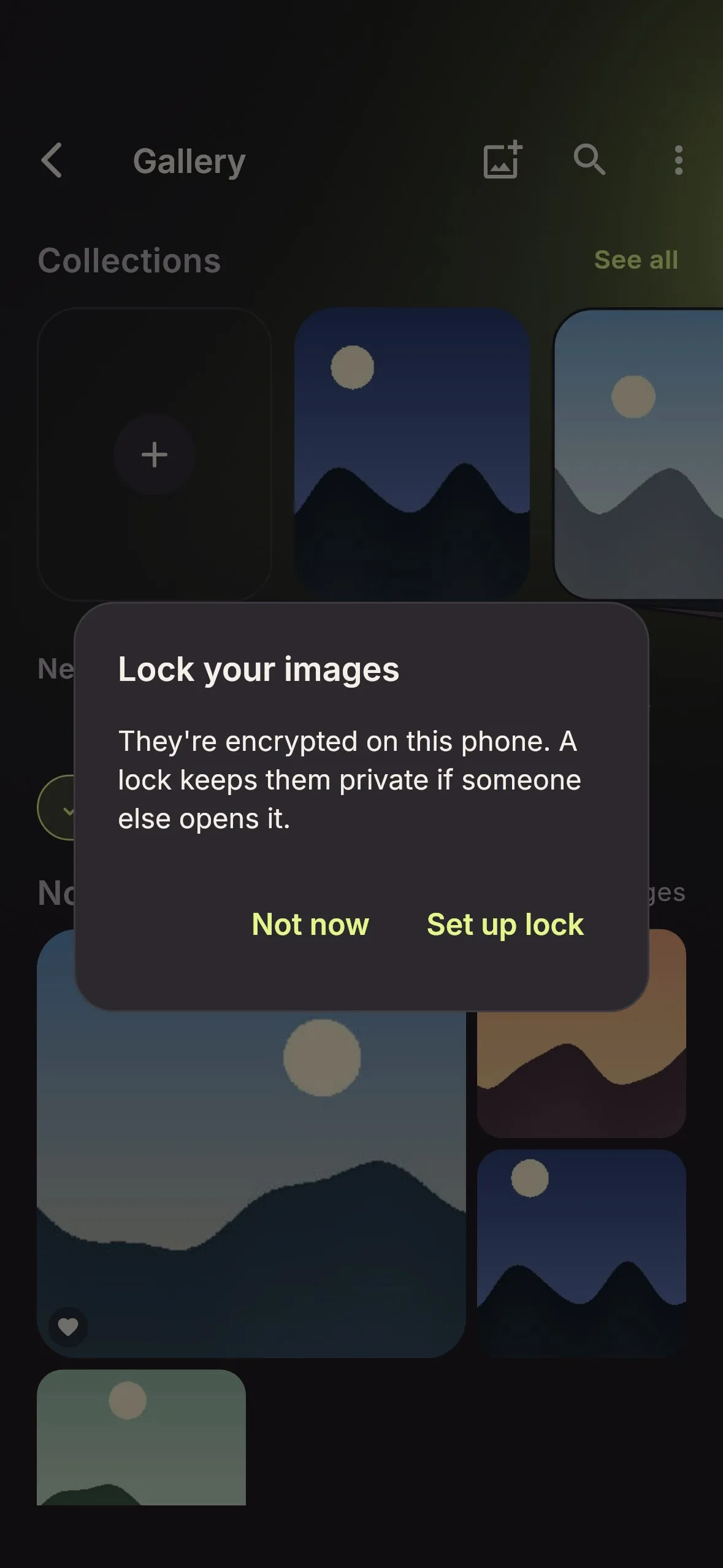
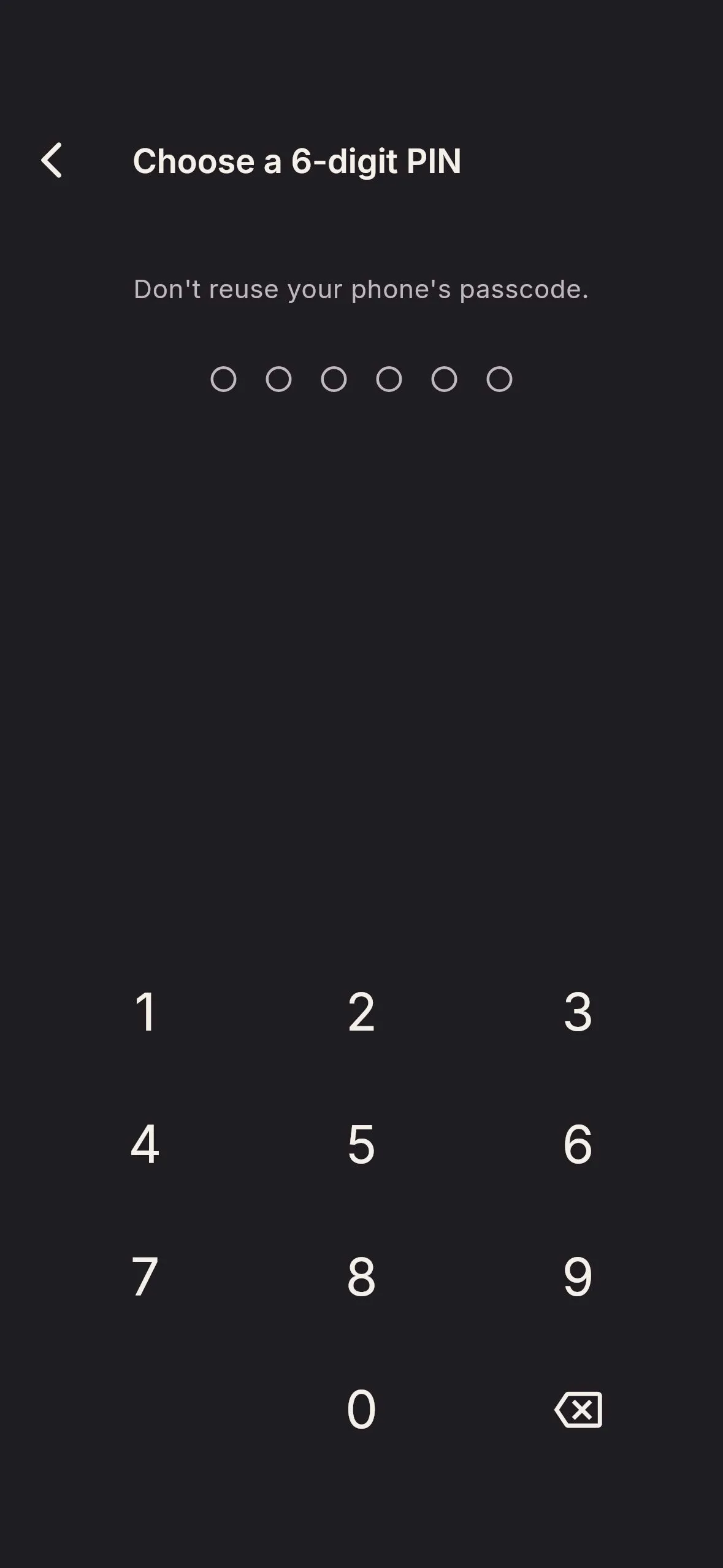
Encryption protects the files. Someone holding your unlocked phone is a different problem, so the first time you add an image, Merrin offers to set up App Lock: a 6-digit PIN, with Face ID, a fingerprint or a password if you want them. The PIN screen asks you not to reuse your phone’s passcode. Anyone who knows that code could open Merrin too.
An encrypted private image vault: your photos stay on your phone, behind a PIN only you know, and still come up when you search for what’s in them. Merrin is coming to iOS and Android. Join the waitlist →
Remove from Photos
A private copy doesn’t help much if the original is still in your camera roll. So there’s a new switch in Privacy & Data → Images: Remove from Photos. With it on, photos you pick with Choose photos are saved to your Merrin Gallery first, and then your phone is asked to remove the originals.
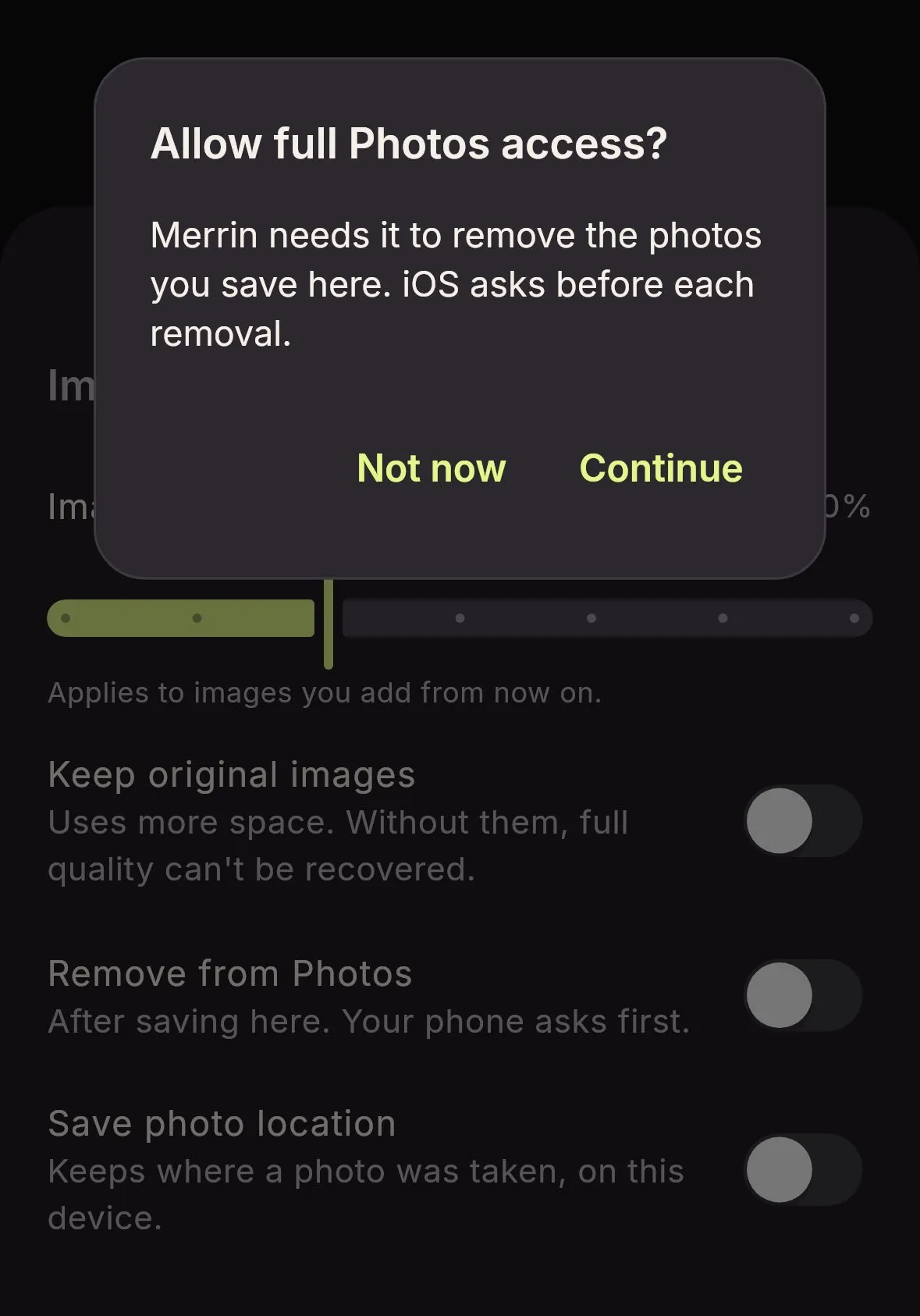
Merrin can’t do this quietly. Android shows its own dialog with the photos it will move to the trash. On iPhone, deleting a photo needs full access to your library. When you turn the switch on, Merrin tells you that before iOS asks, and iOS still confirms every removal. If you’d rather keep Limited access, the switch stays off and nothing else changes.
Removed photos go to your phone’s trash for 30 days, so a slip can be undone. If Google Photos or another service backs up your camera roll, it keeps its own copy until you delete it there. Photos you take with Merrin’s camera never reach your camera roll in the first place.
Changed your mind about a photo? Save to Photos puts a copy back, without location data.
Try it
The Gallery lives in the You tab, and every chat and journal composer has the attach button. Join the waitlist and we’ll email you when Merrin is out.
Frequently asked questions
Is Merrin an encrypted private image vault?
Every image you add is encrypted on your phone, and with App Lock on, opening Merrin takes your PIN, Face ID or fingerprint. Turn on Remove from Photos as well and the original leaves your camera roll once Merrin has saved it. Merrin offers App Lock the first time you add an image; both settings are yours to turn on.
Does Merrin upload my photos to read them?
No. Merrin reads images with the language model on your phone. The photo, and what Merrin read in it, stay on the device. Reading images needs Solace 2, the default model, or Solace 4.
Can I keep a photo in Merrin without Merrin reading it?
Yes. Turn off "Merrin can read this image" on the photo's screen. Merrin drops what it read, leaves the photo out of chats and search by meaning, and keeps your own note and tags.
Why does Merrin ask for full Photos access on iPhone?
Only if you turn on Remove from Photos. iOS lets an app delete a photo only with full access to the library, and Limited access can't reach photos you picked. Merrin explains this before iOS asks, and iOS still confirms every removal. Without that switch, Merrin uses the system picker and sees only the photos you choose.
What happens to the original after Remove from Photos?
Your phone asks first, then moves it to its trash: Recently Deleted on iPhone, the trash on Android. Both keep it for 30 days. A cloud backup such as Google Photos keeps its own copy until you delete it there.
Can I put a photo back in my camera roll?
Yes. Save to Photos, on an image or a selection in the Gallery, saves a copy without location data.